Google announced a new version of Chromevox, called ChromeVox Next. The older version of ChromeVox, now called ChromeVox Classic, remains for those who do not wish to make the switch to the new version. Some of the changes are so simplistic, you might wonder why they weren’t part of the original screen reader. For example; the modifier key is now search, instead of shift+search. The new version seems to be in line with current standards, and I recommend giving it a try. Here are a few details from the developer, along with a very helpful video.
Using a Haptic Device, Blind People Can See Microscope Images.
A team at Purdue University in Indiana has developed a haptic device that lets blind people feel images generated by a microscope. It has always been a huge undertaking to help the blind understand microscopic images. Sometimes, a sighted person just must describe it, which is problematic sense each description differs, and the blind person can’t always understand the description. Also, tactile images can be created and labelled in braille, but this is labor intensive and requires a sighted individual with the knowledge, time, and skill to do it.
This new device is a haptic feedback joystick that plugs into a computer that also has a microscope connected to it. It has been tested on red and white blood cells. The blind person navigates the cell with the joystick, and receives a pushback when encountering a cell wall, and different vibrations when hovering over different textured objects.
So far, tests have indicated that a blind person can identify the difference between a white and red blood cell more accurately using this device than by means of other methods.
Source.
Cool Picks: February 5, 2017
Join Jessica Rickards and James Oates for another exciting Cool Picks as they discuss some of their favourite technology.
Cool Picks:
Please feel free to leave feedback about your own accessible voting experiences, or how you’ve handled voting, whether you’re from the U.S. or other another country.
Accessible Way to Take a Selfie Using TalkBack and Android Nougat 7.1.
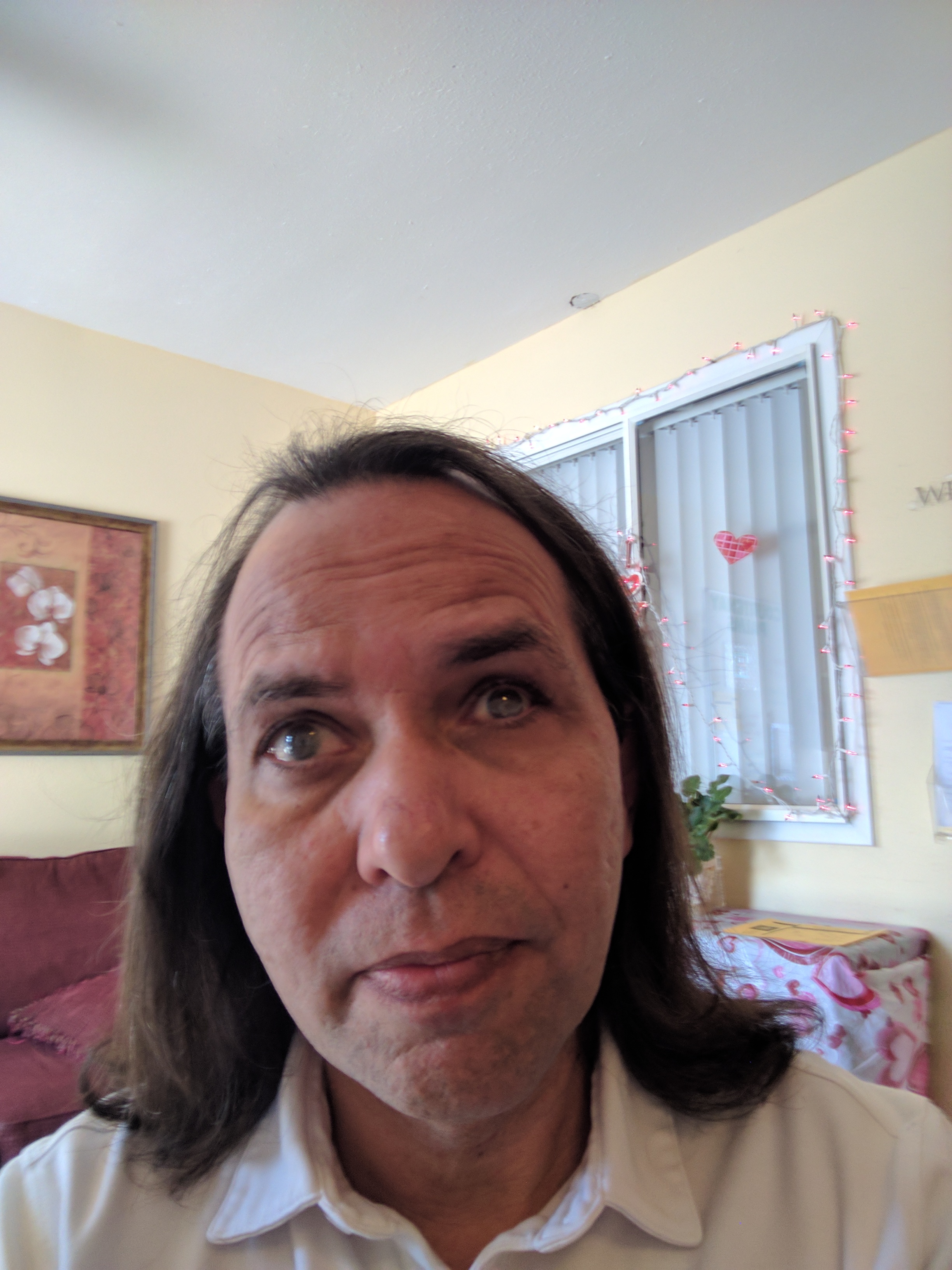
In this episode, James Oates shows off a new accessibility feature which allows anyone using an Android phone running Nougat 7.1 or higher. If you open the camera app, and you have Talkback 5.1 or higher running, Talkback will automatically give feedback concerning how many people are in the frame, if the faces are centered, and what percentage of the screen is occupied by the face or faces. This is a great way for a person who is blind to take selfies and capture important moments.
James also shows us how to give the photo a description, and share it to social media, cloud drive services, or by email.
Fire TV and Amazon Video Receive Accessibility Updates for Blind and Low Vision Users.
Peter Korn, an accessibility architect at Amazon, recently announced that the Fire TV and Amazon video app will receive updates that provide new accessibility enhancements for blind and low vision customers. The full details of the update are detailed below.
From Amazon
Thousands of Amazon customers are now using VoiceView on Fire tablets and VoiceView on Fire TV. As we kick off a new year, I’m excited to highlight new accessibility features for Fire TV, supporting our blind and low vision customers. These features are being delivered over the coming months to all existing Fire TV customers as a free, over-the-air update, starting with the latest generation Fire TV and Fire TV Stick with Alexa Voice Remote. This update brings many VoiceView features from our Fire tablets to Amazon Fire TV, as well as several new capabilities:
• VoiceView menu for easy access to settings, including reading speed (with rates from 0.66x to 4x), speech and sounds volume, punctuation level, and ability to relaunch the tutorial.
• Settings to enable system-wide high contrast text (experimental) and closed captions.
• Navigation of all content on the Fire TV screen by holding the Menu button to enter “Review Mode.” This also allows customers to navigate by word and character so it’s easier to find out how actors’ names are spelled.
• Context-sensitive help available by pressing the remote’s Menu button, and automatic reading of program information, such as the rating and duration, by pressing the Fast Forward and Rewind buttons.
A growing number of 3rd party apps are compatible with this VoiceView update, including Netflix and Hulu. And developers can take advantage of new features by providing “Orientation Text,” “Usage Hints,” and “Described By” additions through the FireOS accessibility API.
Additionally, the Amazon Video app now includes screen reading capability on many third-party devices. Blind and low vision customers can enjoy screen reading capabilities when using Amazon Video on devices such as the Microsoft Xbox One and One S, Sony PS4 game consoles, certain Roku streaming devices, as well as many smart TVs and BluRay players, including certain TVs and BluRay players from Hisense, LG, Samsung, and Sony.
We will continue to bring accessibility updates to our devices this year and we welcome thoughts and suggestions here.
Blind People Get Improved Photo Description from Facebook.
Until now, Facebook’s photo captions were only able to use nouns to describe objects in pictures posted online. That’s okay, if you are only interested in the objects in the photos. But what if you are interested in the actions that take place in the images?
Facebook has added twelve verbs to its neural network that provide for more detailed description of the contents of all those photos on their website.
Per Facebook’s applied machine learning leader Joaquin Candela, image descriptions will now include things like people walking, people dancing, people riding horses, and people playing instruments,
It’s a good thing when blind people are provided with more information, especially on Facebook, where many feel excluded by a social network that communicates mainly by posting photos.
Android 7.1.1 is the Last Update for Nexus 6 and Nexus 9.
Nexus 6 and Nexus 9 will continue to receive security updates, but there will be no more updates to the operating system.
In other news, Android 7.1.2 has been released in beta to the Pixel, Pixel XL, Pixel C, Nexus 5X, and Nexus Player. The Nexus 6P will receive the update soon.
If you wish to enroll your device in the Android Beta program, you can do so here. If you wish to flash Android 7.1.2 on to your device, you can find the images here.
Windows 10 Build 15025 Brings Braille Support for Narrator.
Today, Microsoft released Windows 10 build 15025 for those users participating in the insider program. I am happy to let you know that braille support for Narrator has finally arrived. Jenny Lay-Flurrie, in an exclusive announcement to Cool Blind Tech, revealed back in November that braille support for Narrator was coming to Windows 10, and now We can give it a test run. Dona Sarkar also revealed that mono audio mode has been added to Ease of Access which allows you to listen to audio content using only one earbud without missing out on any other content. Read the release note for accessibility improvements below.
VIP: Accessible Voting Empowers Blind People
Join Jessica Rickards and James Oates for another exciting VIP as they discuss accessible voting in the United States. Here’s a look at what you can expect:
- Accessible Voting in Texas
- Accessible voting in Brevard County Florida Instructional Video for Florida Poll Werkers S-Automark Voting Machine
Cool Picks:
Braigo Companion by Braigo Labs, LLCETI Eloquence for Windows
VizLens Helps the Blind Operate Appliances with Digital Screens and Unlabeled Physical Buttons.
I need this iOS app! I can’t tell you how many times, as a blind person, I have been unable to operate simple appliances, such as microwaves and dish washers, without some sighted assistance. I even had to recently make sure that my new coffee maker was one that I could use, because most of them now have interactive digital screens that make them completely inaccessible.
VizLens will change all that. You use the app to take a picture of the digital or physical input area of the device you are using. The image is uploaded to a server where sighted people label the buttons on the screen and download it back to your phone. The next time you point your iPhone at an appliance, it recognizes that photo, and when you place your finger on the digital screen or physical button, VoiceOver will tell you automatically what that input is.